Search SunGreen
You can search SunGreen using the Google search facility below.
To search for pages that have been updated recently, type the word 'updated' in to the Search box below the image..
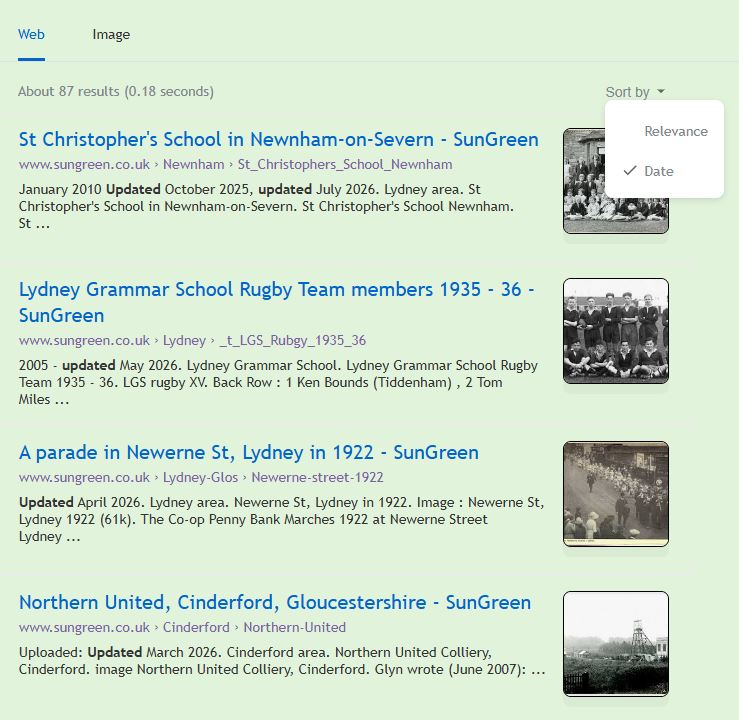
You should see something like to following screen shot.
Then click the Sort by text at the top right.
If you then click 'Date' the links to the most recent updated pages should appear in date order.
You can search SunGreen using the Google search facility below.